¶ ATM Scenario Schedule (ATM | Scheduling)
The Schedule page allows the user to define a schedule for when the ATM automatic scenarios will run.
¶ Creating or Editing a Schedule
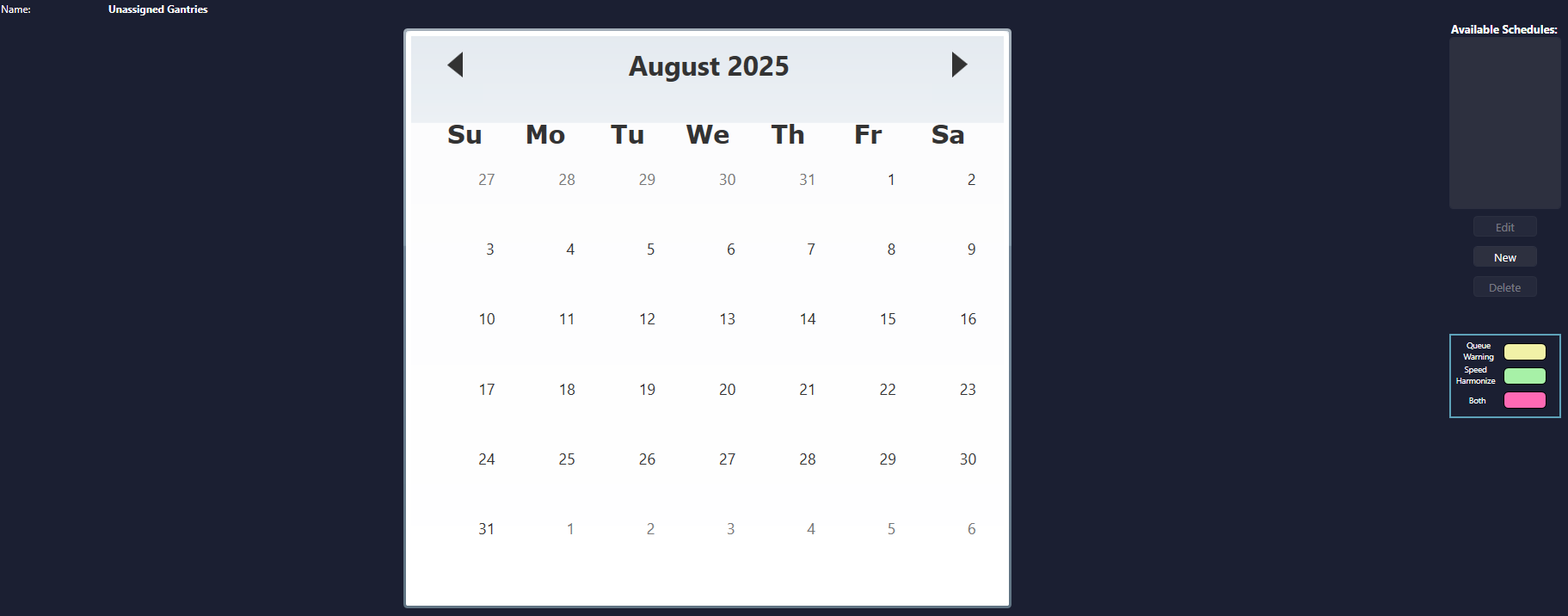
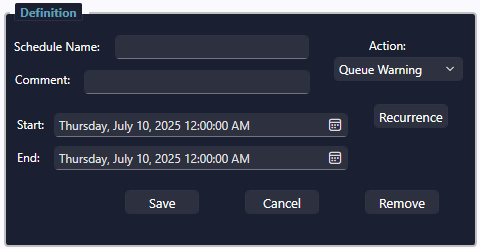
To create a new ATM Schedule, select the New button. This will open the schedule definition dialog where the user can enter a Schedule Name, Comment, Action, as well as Start and End date/time.
To edit an existing schedule, simply select the desired schedule from the Available Schedules list on the right, then select Edit.
¶ Recurrence
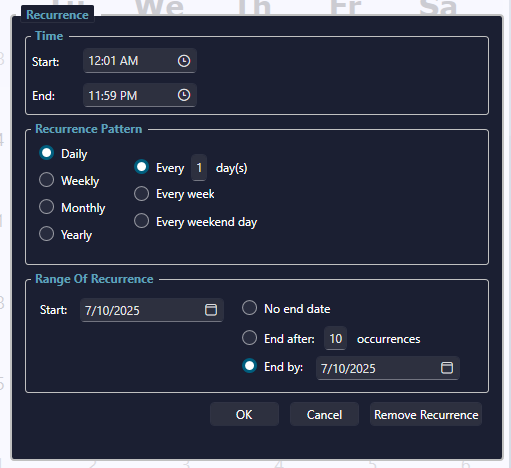
To define a recurring schedule, click on the Recurrence button. The Recurrence dialog will open where the user can specify a Start and End Time, a Recurrence Pattern, and a Range of Recurrence.