¶ Camera Definitions (Database | System | Cameras)
Use the Camera Definitions form to define, delete, or edit a traffic camera.

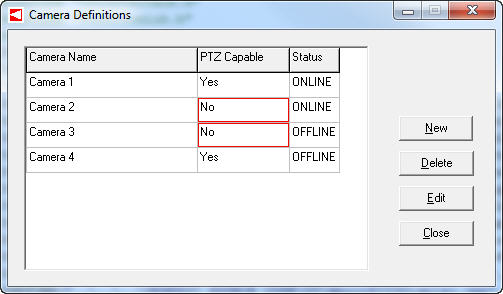
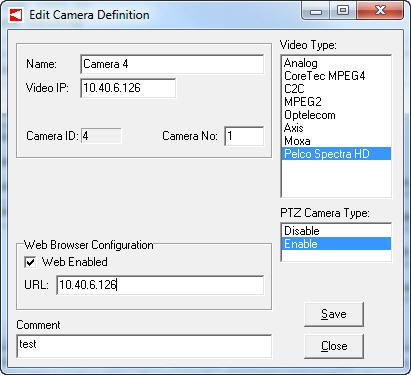

Click on the appropriate button to define a new camera or edit a camera definition. The camera definition parameters include name, video type, video IP address, PTZ enabled/disabled, web browser configuration, and user comments.
You cannot undelete a camera that has been removed. Be sure the camera information is no longer needed prior to removal.
¶ Camera Status (CCTV | Cameras | Camera Status)
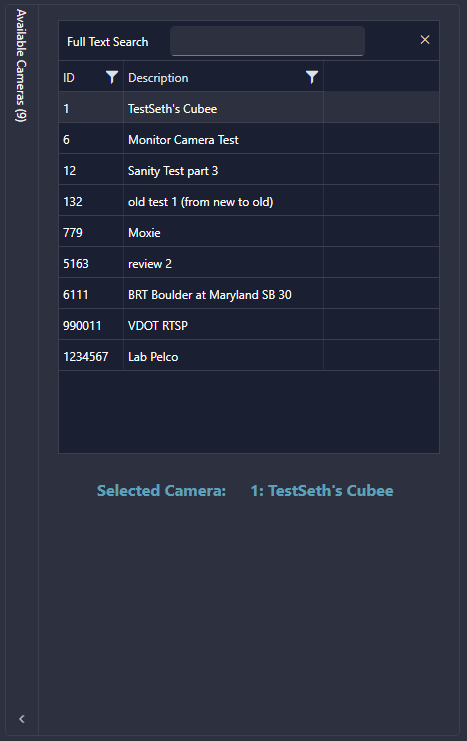
Selecting the Camera Status option under the Cameras dropdown opens a compressed, dockable list of cameras. This list is informational only and should be used as a quick reference when searching for defined cameras.