¶ Change Theme (Admin | Change Theme)
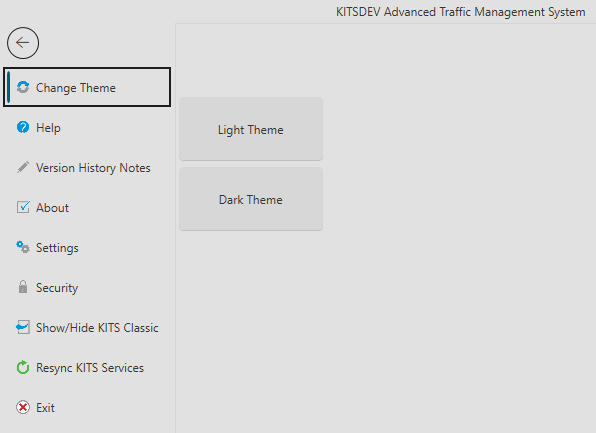
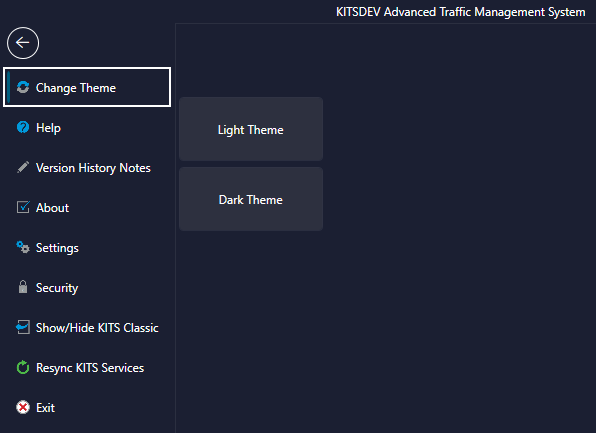
The user has two theme options available for customizing the look and feel of the Enhanced KITS GUI. To change the theme, navigate to the Admin tab, and select the option from the Change Theme item. The UI will need to be restarted before theme changes take effect.
The Light and Dark themes are shown in the images below.